
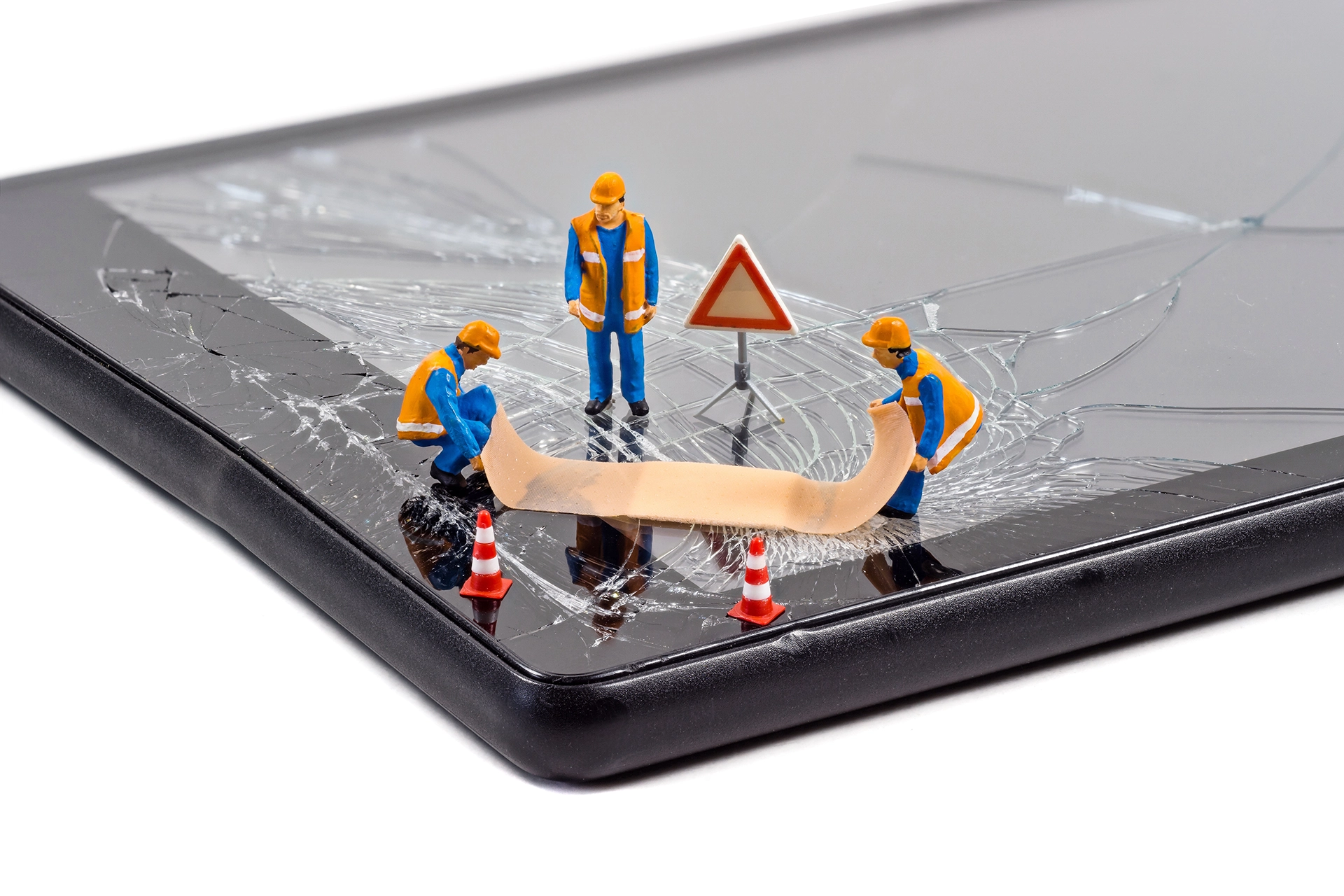
Phone & Tablet Repairs

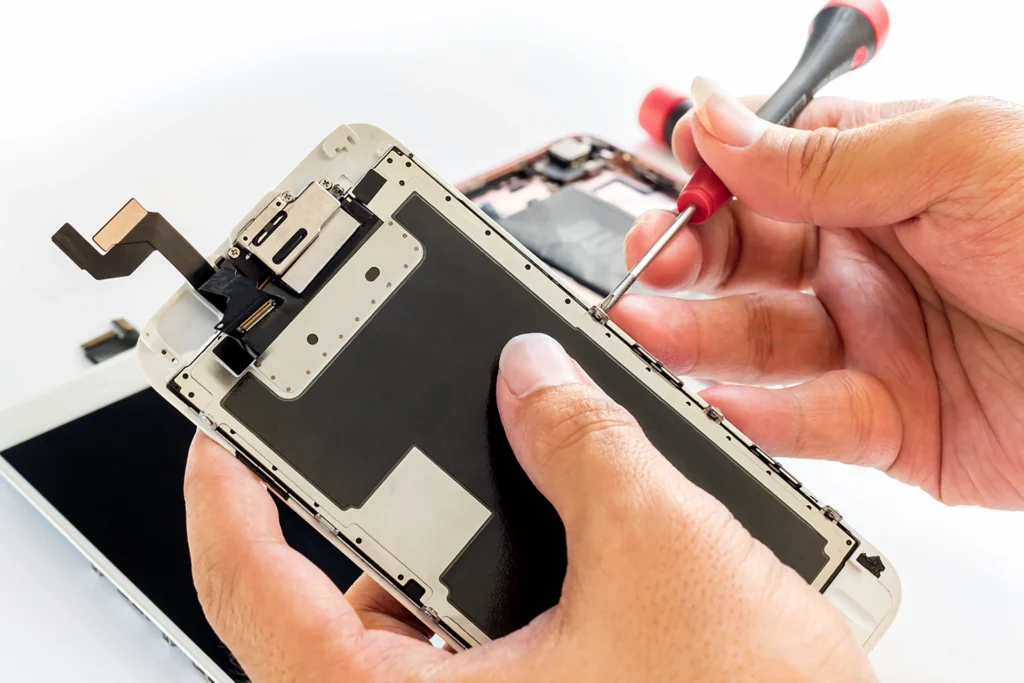
My phone repair shop is not a big chain or a faceless corporation. I’m a small, local business with a big heart. I’m passionate about technology and dedicated to providing top-notch service with a personal touch. When you walk through my doors, you’re more than just a customer – you’re part of my family.
Many of my customers have tried a DIY device repair before they come to me. This usually ends up causing more damage, and so costing more money. Phone, tablet and device repair is a tricky business and requires specialised tools. The more you work on these devices, the easier it is to diagnose and successfully repair them without causing further problems. I advise you to call in and check with me before trying your repair, as it may save you time, money and stress in the long run.
Common Issues I Fix
Charging Ports
Loudspeaker & Headphone Jack Outlets
Car & Garage Door Lock Remotes
Batteries & Tactile Switches
Water Damage
USB & HDMI Ports
Broken & Cracked Laptop/Phone/Tablet Screens
Damaged PCBs (Printed Circuit Boards)
I have repaired a wide range of devices and PCBs, from charging ports to a John Deere Tractor computer PCB! If your repair isn’t on the list, drop by the shop or call me, and I’ll be able to tell you if I can repair it: no obligation, pressure or pushy sales tactics.
Common Issues Problem Solving
Charging Ports
Loose Connection
Symptom: Your charger keeps falling out or doesn’t stay connected.
Cause: Frequent plugging and unplugging can wear out the port, making it loose and unable to hold the charging cable securely.
Debris & and Dust Build-up
Symptom: Your device charges intermittently or not at all.
Cause: Lint, dust, and other debris can accumulate in the charging port, blocking the connection between the charger and the device.
Corrosion or Rust
Symptom: Your device doesn’t charge, or you notice discolouration around the port.
Cause: Exposure to moisture or humid environments can cause corrosion or rust on the charging port’s metal contacts, preventing a proper connection.
Broken or Bent Pins
Symptom: Your device won’t charge, or the cable fits awkwardly.
Cause: Inserting the charging cable incorrectly or using excessive force can bend or break the tiny metal pins inside the port.
Electrical Short or Damage
Symptom: Your device heats up, charges very slowly, or doesn’t charge at all.
Cause: Internal damage to the charging port, possibly from a drop or impact, can cause an electrical short, disrupting the charging process.
Software Issues
Symptom: Your device charges slowly or not at all, even though the port looks fine.
Cause: Sometimes, the issue isn’t the hardware but the device’s software. Bugs or glitches in the operating system can interfere with charging.
Loudspeaker & Headphone Jack Outlets
Loudspeaker
Common Issues
Distorted Sound: If the sound coming from your speaker is crackling or unclear, it might be due to dust, debris, or internal damage.
No Sound: Complete sound loss can be caused by software glitches, a faulty speaker, or issues with the device’s internal connections.
Muffled Sound: If the sound is very faint or seems muffled, it could be due to dirt or a blockage in the speaker grille.
Repair: Cleaning the speaker can sometimes resolve minor issues. For more serious problems, replacing the loudspeaker is often the best solution. I can diagnose the problem and provide the appropriate fix to restore clear, loud sound to your device.
Headphone Jack
Common Issues
No Sound: If you plug in your headphones and don’t hear anything, it could be due to a faulty jack, software issues, or damaged headphones.
Intermittent Sound: Sound cutting in and out might be caused by a loose connection or debris inside the jack.
One-Sided Sound: If sound only comes from one side of your headphones, the jack might be partially damaged, or there could be an issue with the headphone plug.
Repair: I can clean the headphone jack to remove any debris causing connectivity issues. Replacing the jack with a new one usually resolves the problem if the jack is physically damaged. I can accurately diagnose and repair headphone jack issues to ensure you get consistent, high-quality audio from your device.
Broken & Cracked Laptop/Phone/Tablet Screens
Cracked Screen
Symptoms
Visible cracks or shatters on the screen.
Parts of the screen may be unresponsive to touch.
Sharp edges that can be hazardous.
Solution
Screen replacement is the most effective solution.
In some cases, a protective screen cover can temporarily prevent further damage.
Touchscreen Malfunction
Symptoms
Touch inputs are unresponsive or erratic.
Parts of the screen do not register touch at all.
Solution
Replacing the screen and digitiser.
Ghost Touch
Symptoms
The screen registers touches that are not actually happening.
Apps open or close by themselves, or the device acts as if it’s being touched randomly.
Solution
Screen replacement to fix the faulty touch sensor.
My Repair Process
At My Phone Repair Shop in Mudgee, I know that not everyone is a tech expert, and that’s perfectly okay. My goal is to make the repair process easy to understand and stress-free for you. Here’s a breakdown of what happens when you bring your phone, tablet or laptop to me for repair, explained in plain and simple terms.
Bring in Your Device
When your phone or tablet starts acting up, the first thing to do is bring it to my shop. You don’t need an appointment – just drop by when it’s convenient for you. If you can’t make it in, give me a call.
Explain the Problem
Once you’re at my shop, I will ask you about the issues you’re experiencing with your device. Whether it’s a cracked screen, battery trouble, water damage, or something else, I
want to hear all about it. Your input helps me understand what might be wrong and how to fix it.
Initial Check & Diagosis
After you explain the problem, I’ll closely examine your device. This is like a doctor examining a patient. I’ll check for noticeable signs of damage and test the device to see what’s working and what’s not. This step helps me figure out the root cause of the problem.
Detailed Inspection with a Microscope
I use a high-powered microscope (Ash Technologies microscope with 85x magnification) to inspect your device to ensure I don’t miss any tiny issues. This lets me see tiny parts and connections inside your phone or tablet that aren’t visible to the naked eye. By doing this, I can catch any hidden problems and ensure a thorough repair.
Provide an Estimate
After my detailed inspection, I’ll know what needs to be fixed. I’ll explain the issues to you in simple terms and provide a clear repair cost estimate. This estimate includes the cost of parts and labour. I’ll move on to the repair if you’re happy with the estimate.
Repair Your Device
I will get to work repairing your device. I use high-quality parts to ensure your phone or tablet works like new. I handle it carefully and precisely, whether replacing a cracked screen, swapping out a battery, fixing a charging port, or drying out water damage.
Quality Check
Once the repair is done, I don’t just hand your device back to you right away. I perform a thorough quality check to make sure everything is working perfectly. This includes testing the repaired parts and ensuring your device functions smoothly.
Pick Up Your Device
I’ll let you know when your device is ready for pickup. When you return to the shop, I’ll walk you through what I fixed and show you everything works correctly. If you have any questions or concerns, I’m here to help. I always guarantee my work, for your peace of mind.
Summary
- Bring in Your Device: No appointment is needed; just drop by.
- Explain the Problem: Tell me what’s wrong with your phone or tablet.
- Initial Check and Diagnosis: I examine and test your device.
- Detailed Inspection with a Microscope: I use a microscope to find hidden issues.
- Provide an Estimate: I explain the problem and cost to you.
- Repair Your Device: I fix the issue with high-quality parts.
- Quality Check: I test your device to ensure it works perfectly.
- Pick Up Your Device: I walk you through the repairs when you pick it up.
- Follow-Up and Support: I offer a warranty and am here to help if needed.
At My Phone Repair Shop in Mudgee, I make the repair process easy to understand and hassle-free. You can trust me to take care of your phone or tablet with expertise and a friendly smile. I’m here to get you back to what matters most – staying connected with your world.